Satta Matka God
All your markets, games and wallet in one app. Download, install, register and play in under two minutes — the full guide with screenshots is below.
Android 8.0+ · No Play Store needed — direct APK install
Live Markets
Open/close markets with live rates, ticking countdowns and instant result declarations.
UPI Wallet
Add points by scanning the business QR — credits reflect 1:1, withdraw anytime.
All Games Built In
Single, Jodi, Single/Double/Triple Pana, Sangam, starline hourly games and more.
Your Language
English, Hindi, Gujarati and Marathi — pick during first login or change anytime.
How the App Works — 5 Easy Steps
Everything happens inside one app: you register, the operator approves you, you add points through UPI, play the markets and withdraw your winnings. Here is the complete journey from install to payout.
Tap the Download button, open the APK file on your phone and tap Install (allow "Install from this source" when Android asks).
Open the app and sign up with your name, 10-digit mobile number and a password. New accounts go to the operator for a quick approval.
Right after approval, choose English, हिंदी, ગુજરાતી or मराठी — the whole app switches instantly.
Tap ADD POINTS on Home, scan the business QR or copy the UPI ID, pay via any UPI app, then submit the amount + UTR. The operator approves it and your wallet updates.
Open a market, pick a game, tap numbers, enter points and confirm. Wins are credited automatically. Withdraw extra points anytime — money comes back to your account.
Complete Screenshot Guide
These are real captures of the app — exactly what you will see on your phone. Scroll through each section below to see how login, playing, results, the wallet and your account work before you even install.
Getting Started — Login, Register & Language
New customers are up and running in under two minutes. Registration asks only for a name, mobile number and password — the operator approves the account, you pick a language, and you are in. Your login stays valid on this phone, so the next time you open the app you land straight on the home screen.
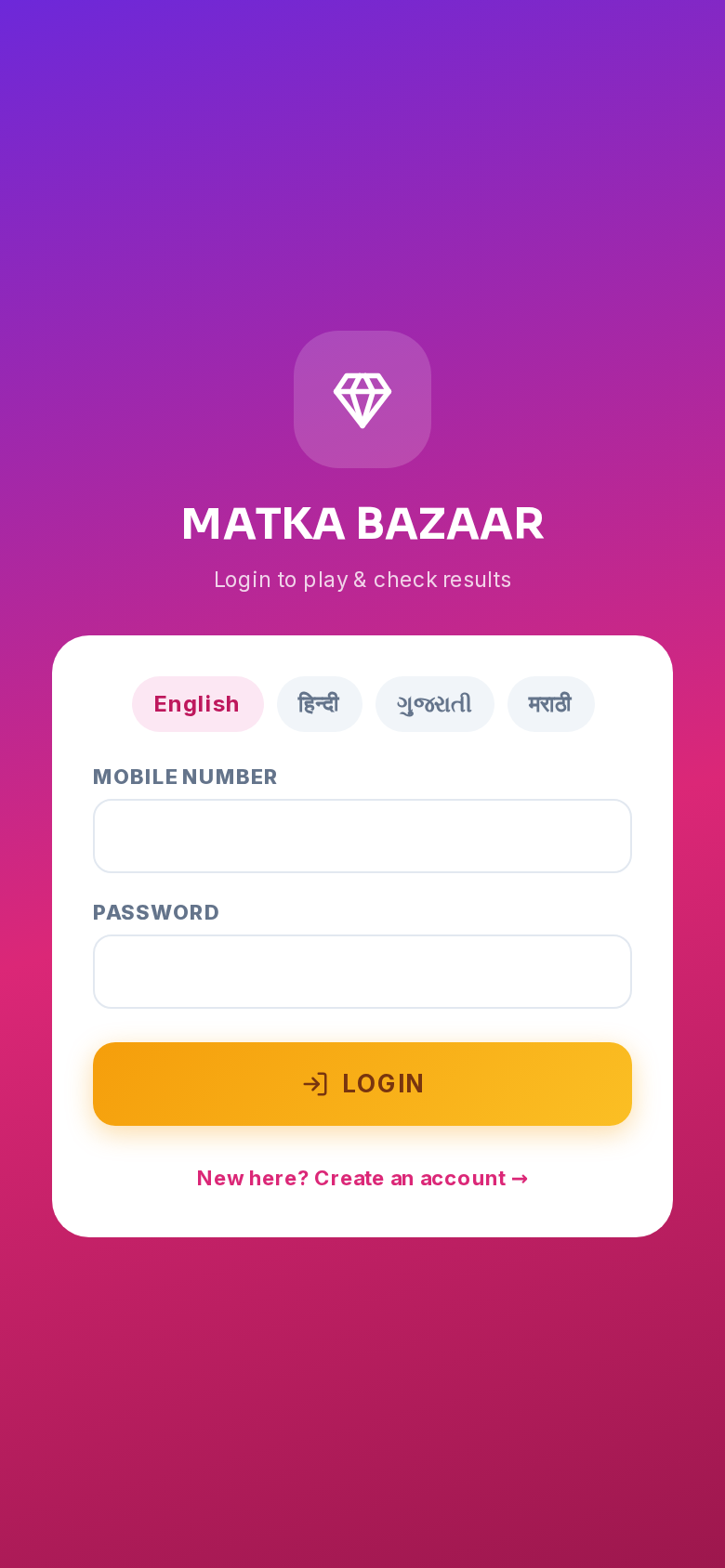
Enter your mobile number and password — or switch language before logging in.
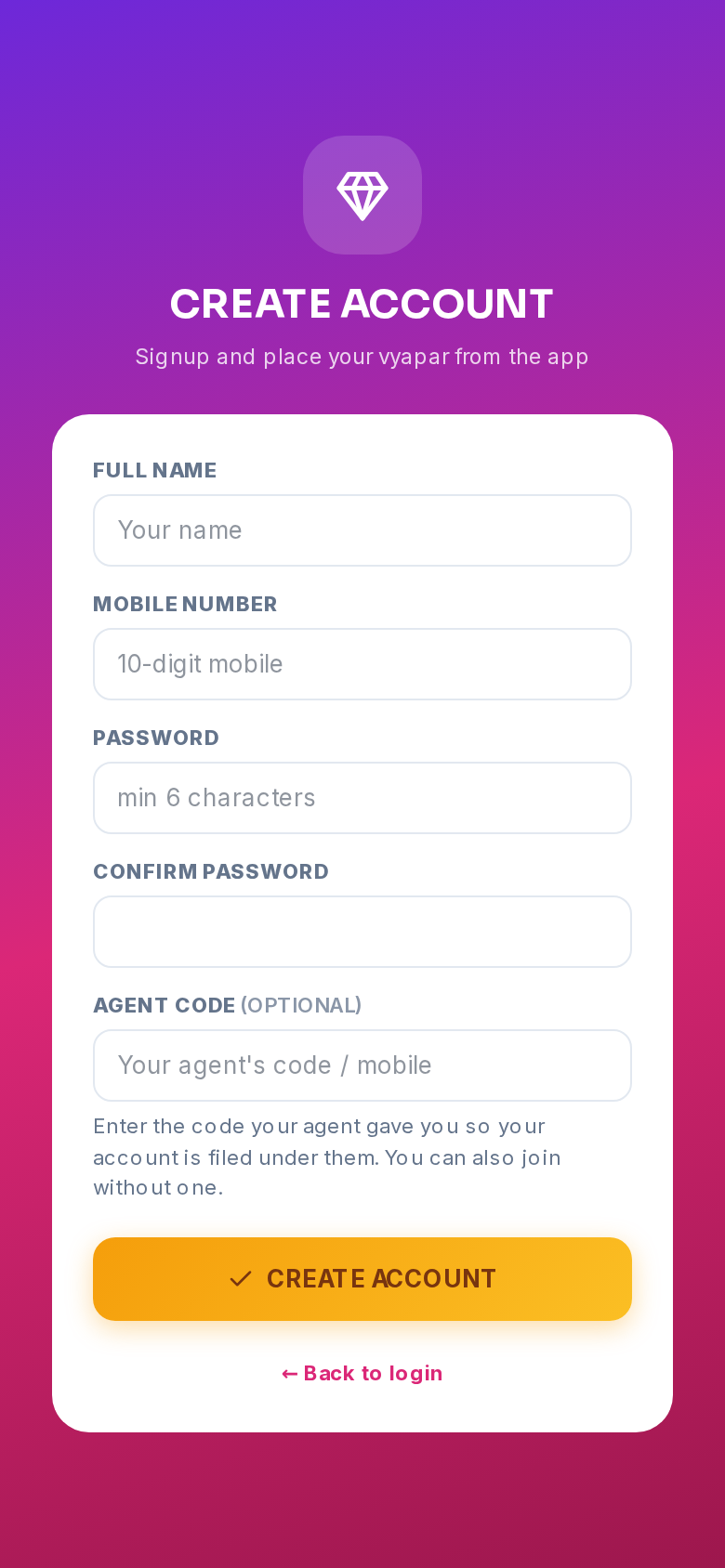
Sign up in seconds. Add an agent code if your agent gave you one.
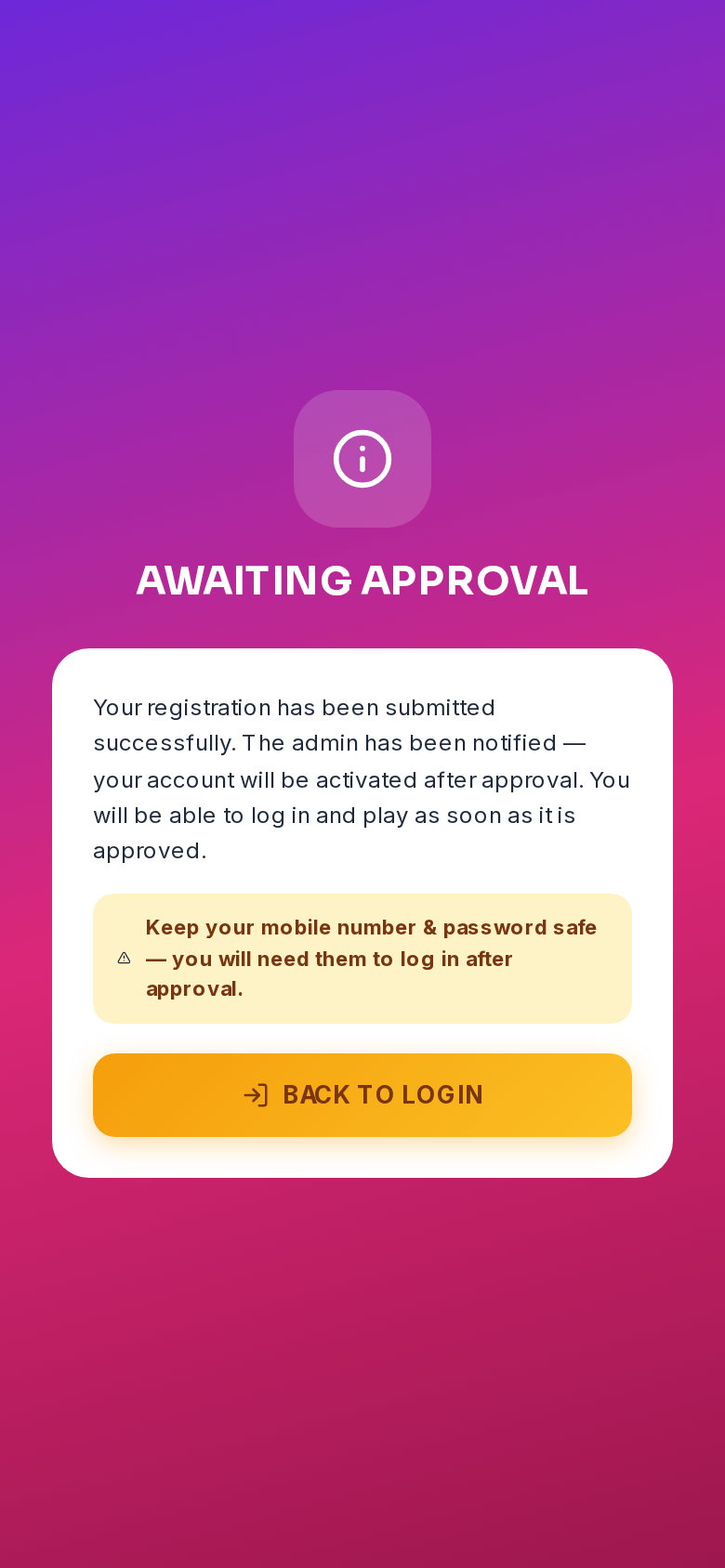
The operator approves new accounts — this screen clears automatically.
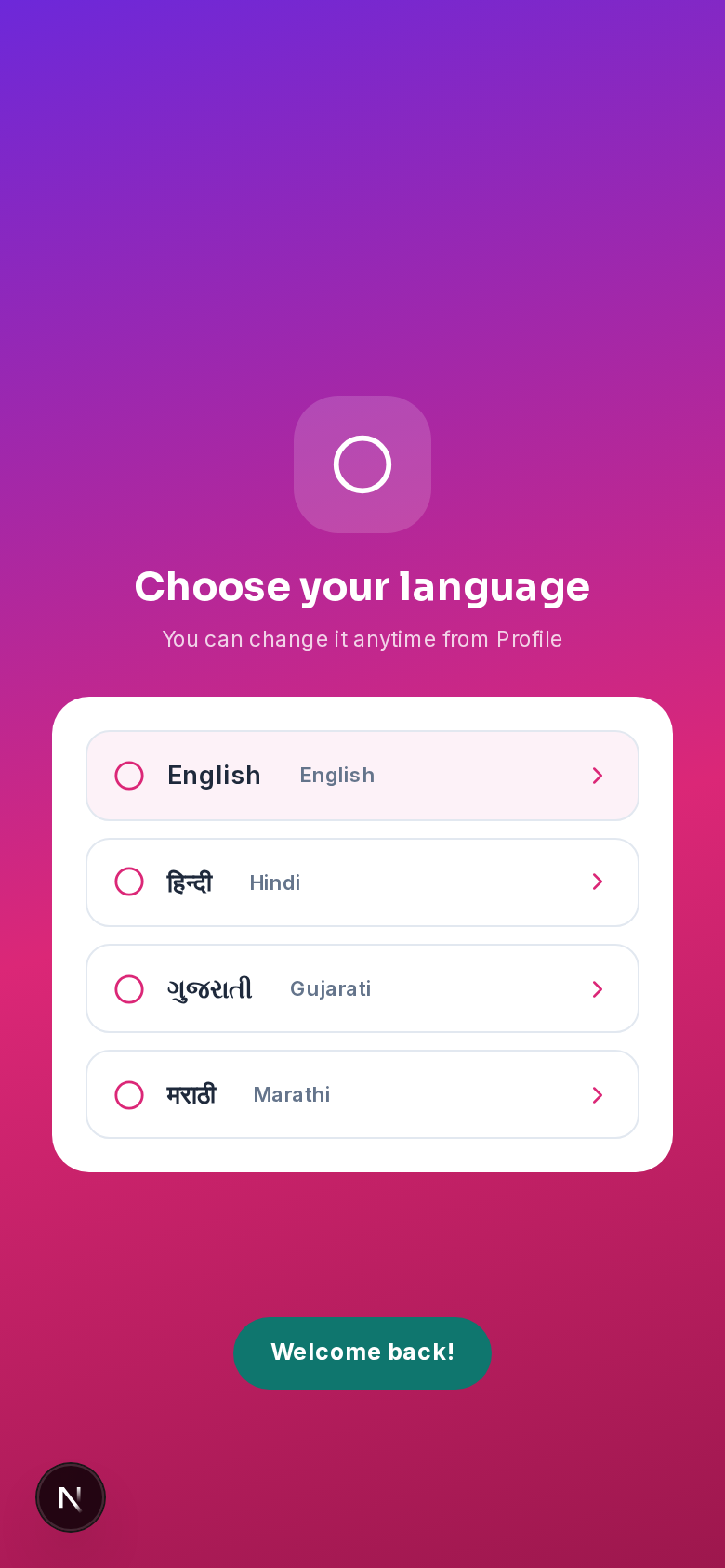
English, हिंदी, ગુજરાતી or मराठी — changeable anytime from Profile.
Home & Playing — Markets, Games & Bids
The home screen shows every market with live OPEN/CLOSE times, a running status bar and a ticking countdown, so you always know exactly when betting closes. Open a market to see all games with their rates — tap numbers (or paste a WhatsApp list), enter points per selection and confirm the slip. Every game works the same way: pick, enter points, confirm.
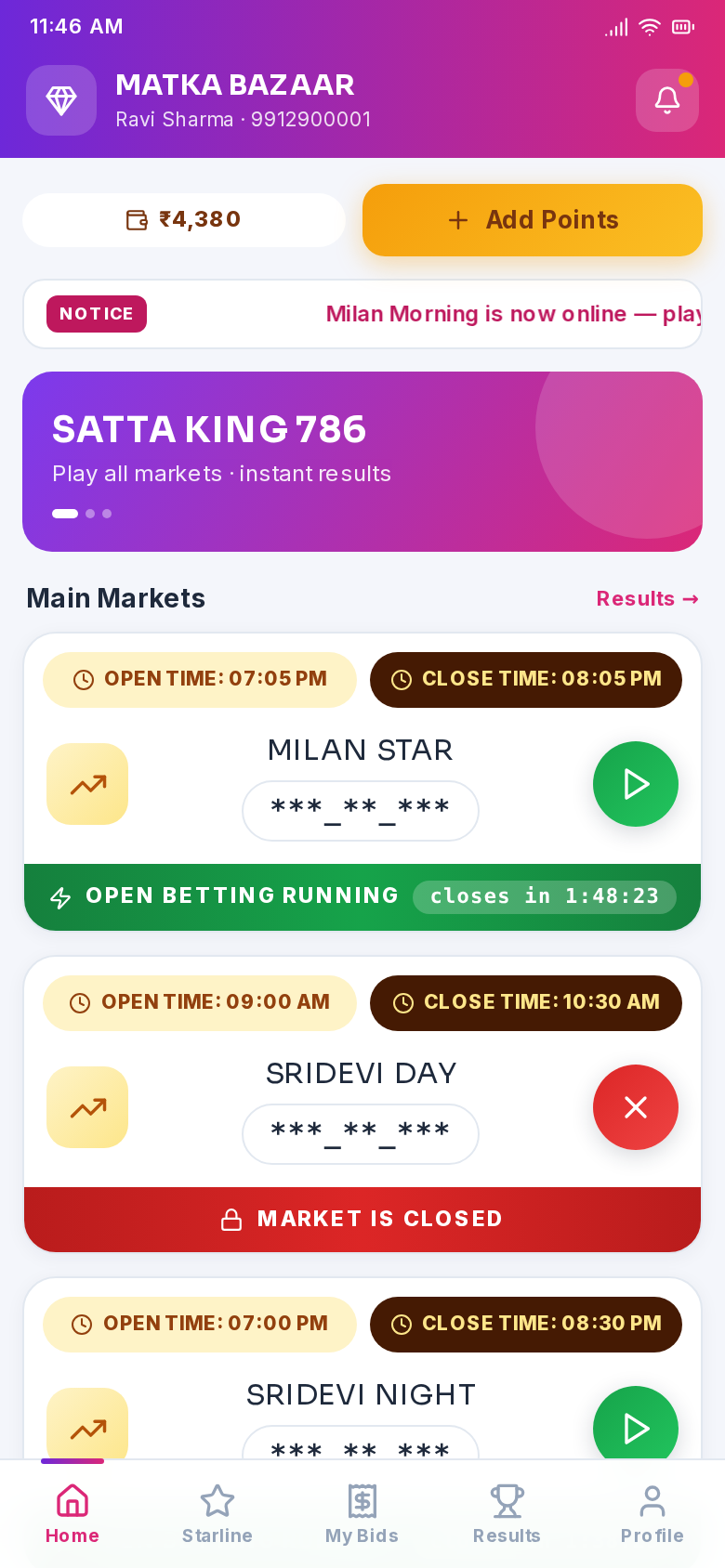
Wallet, banners, notice and every market with live status and countdown.
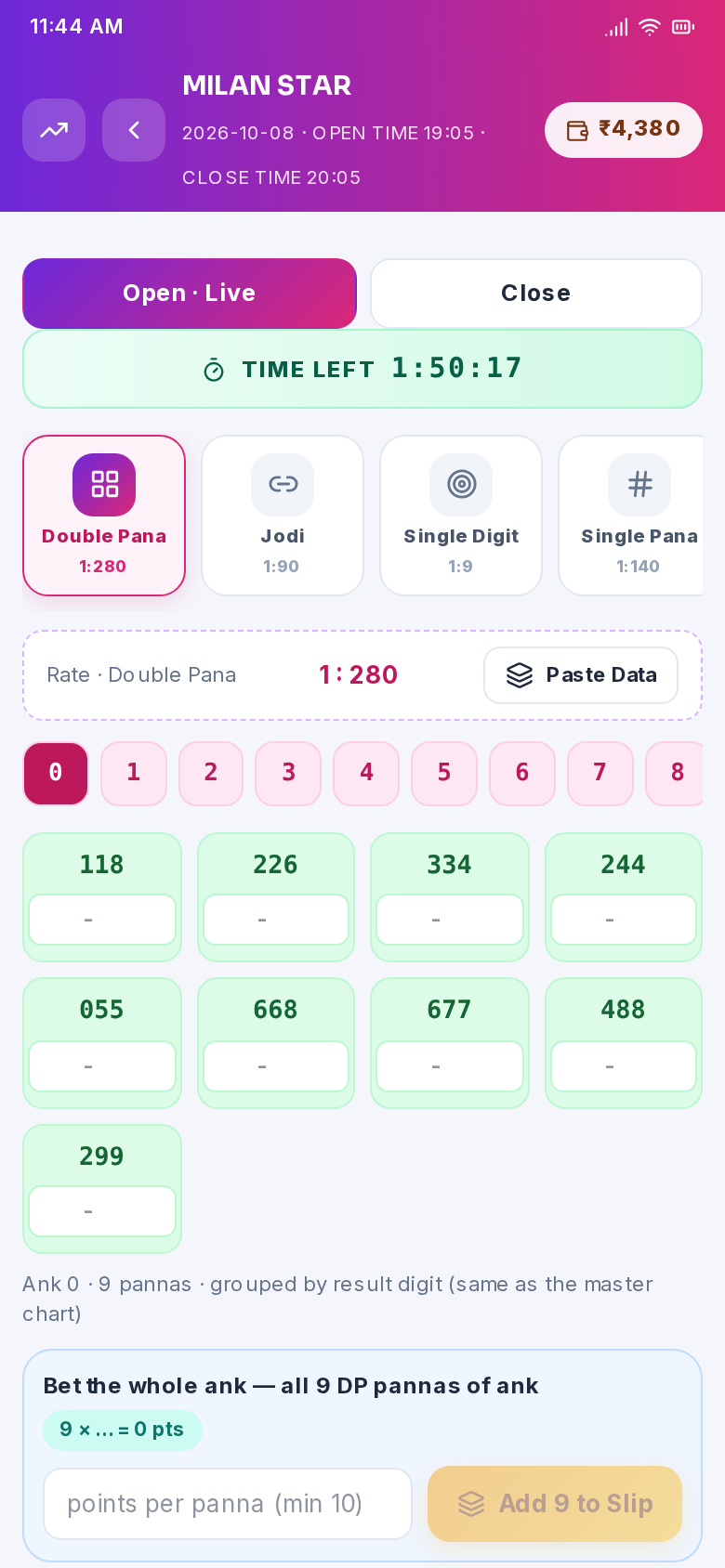
Game tabs with rates, session picker and live time-left to bet.
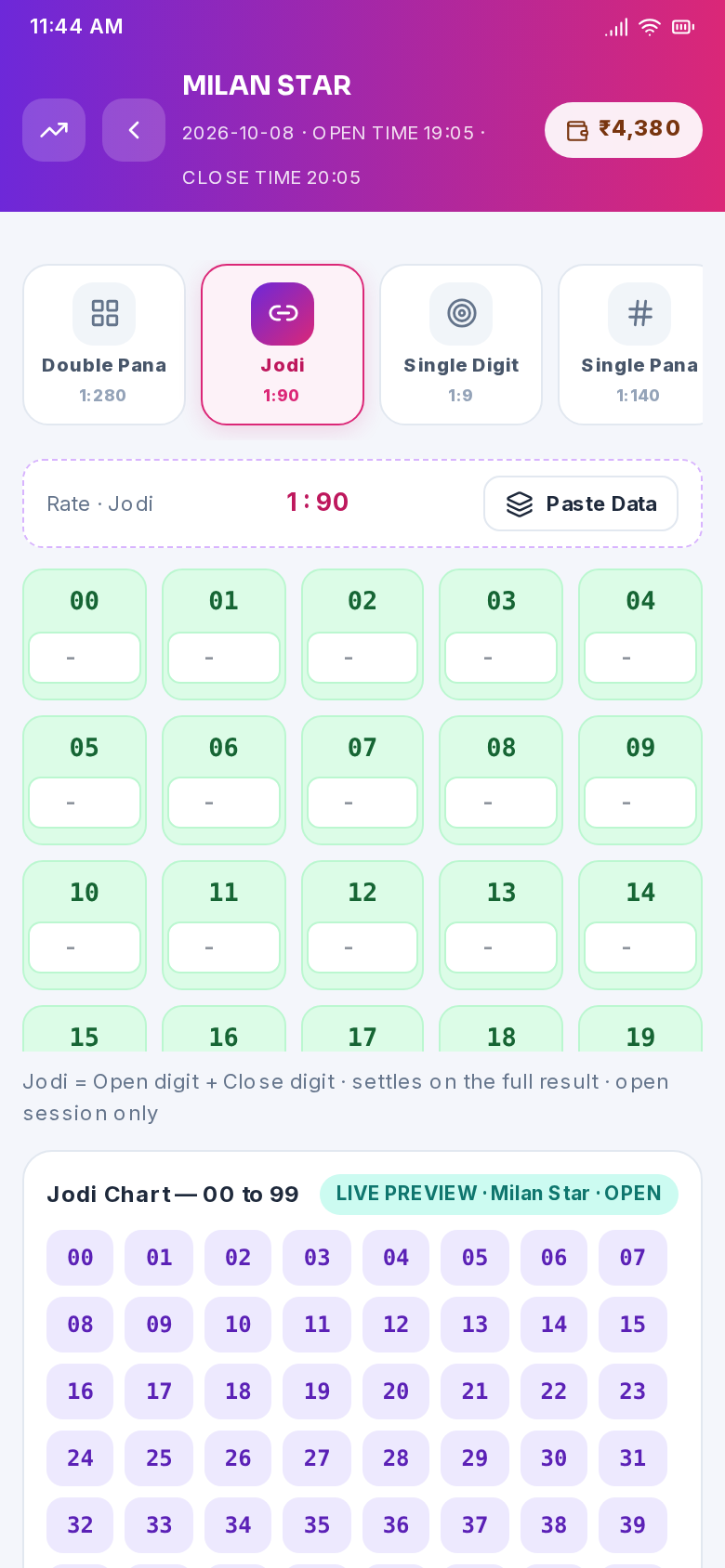
Tap any numbers — Jodi, Pana, Sangam — and enter points on each.
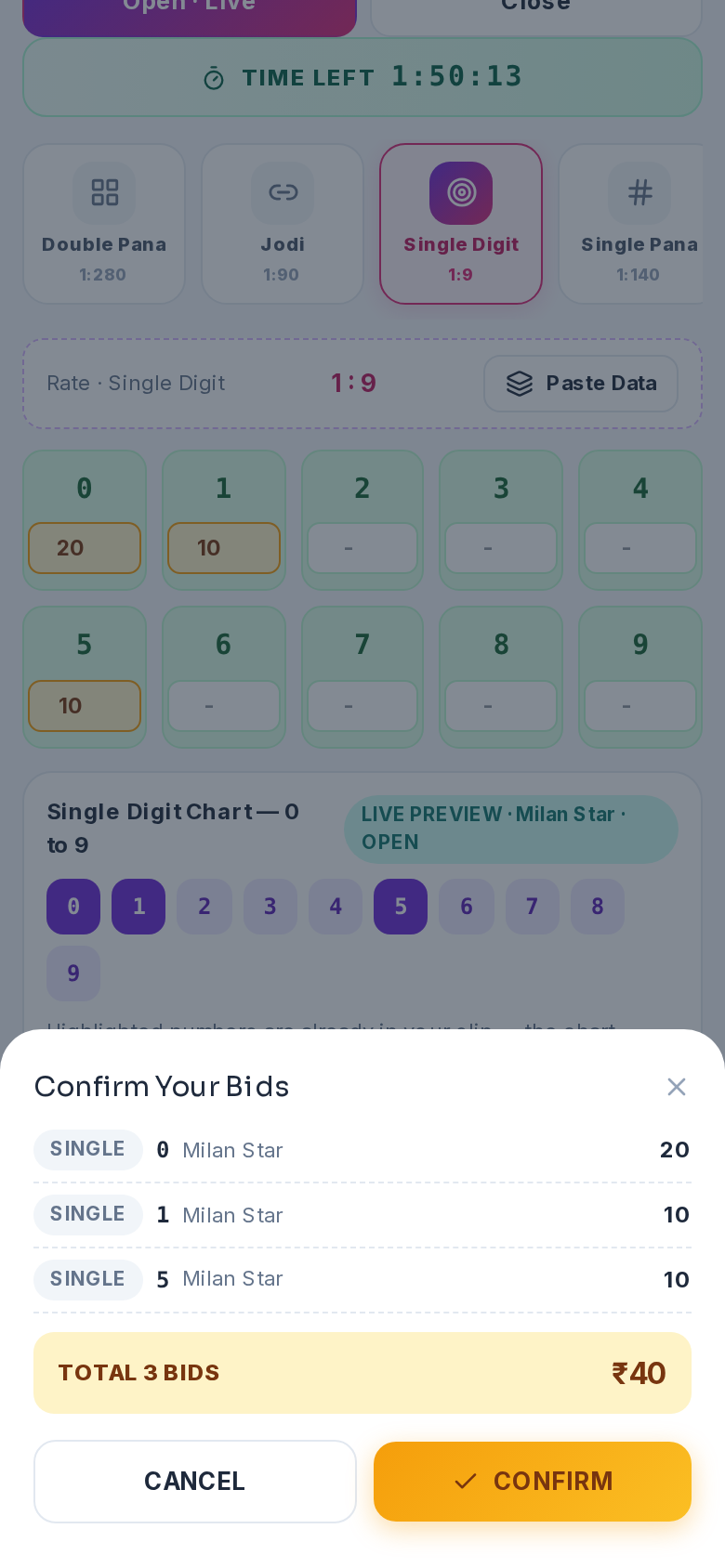
Review your bids and total, then confirm — the wallet debits instantly.
Results & Charts — Never Miss a Declaration
Every declared result appears in the app the moment the operator publishes it — and a notification is pushed to your phone. The Results tab lists recent declarations per market, the Jodi and Panel charts show the full month history with repeating-number highlighting, and the Starline board tracks all 24 hourly games through the day.
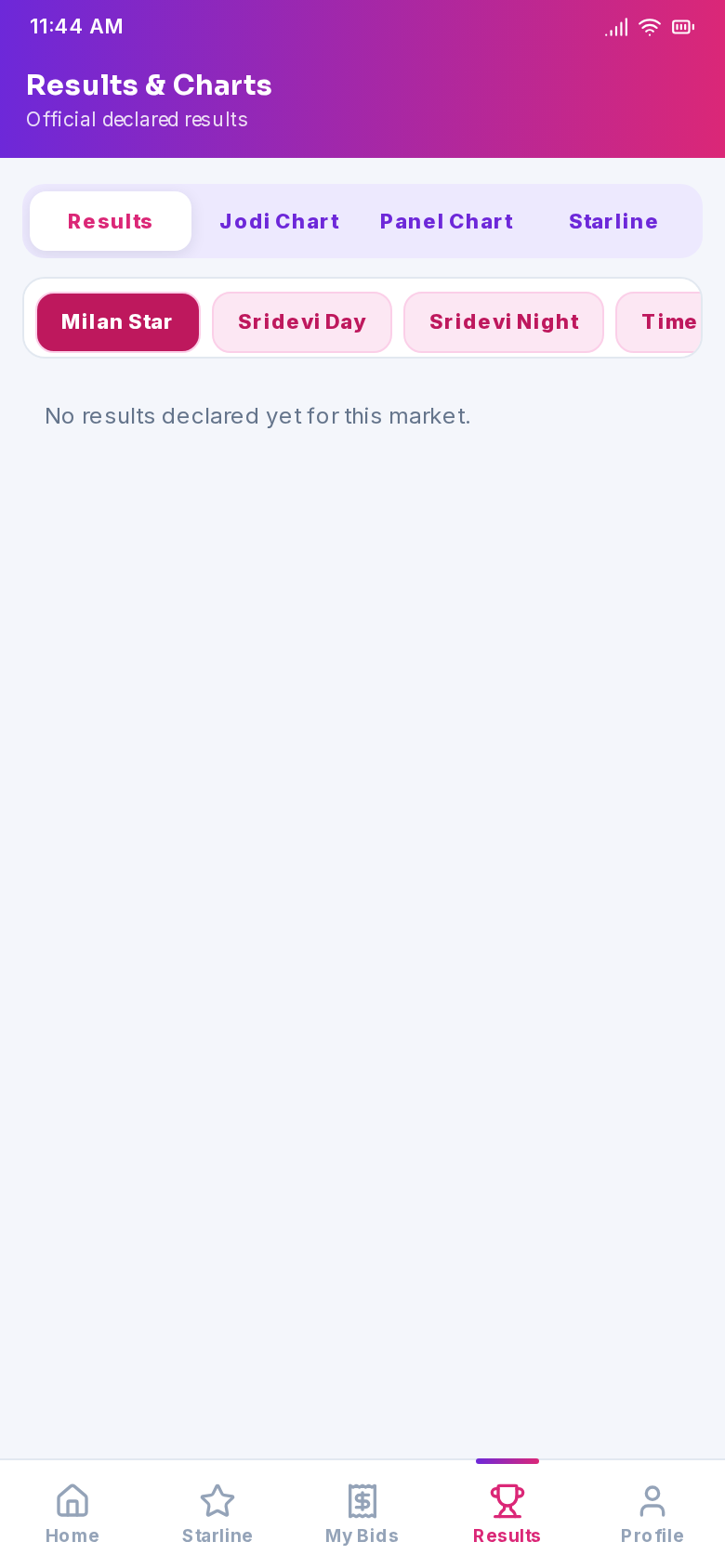
Latest declared results per market, newest first.
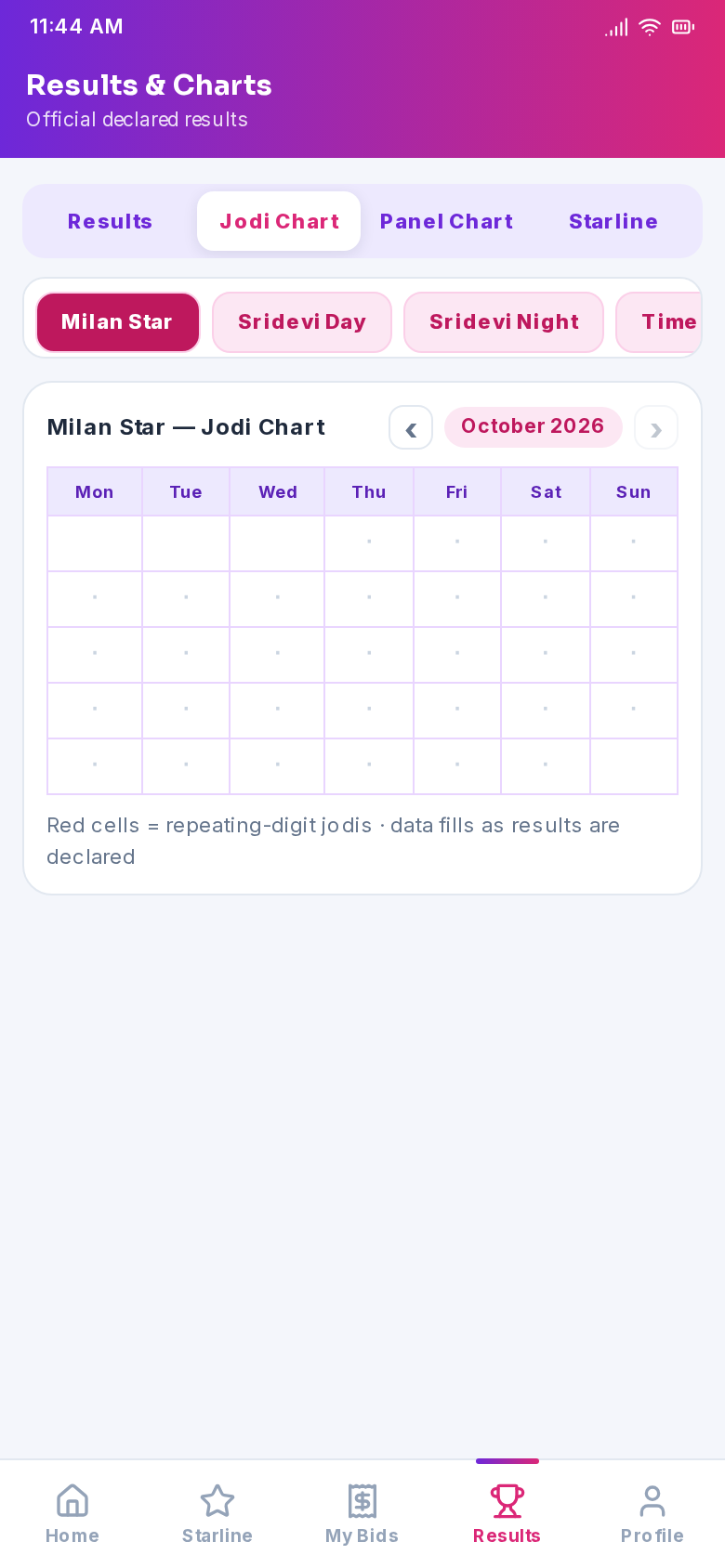
Full month grid with red highlights on repeating jodis.
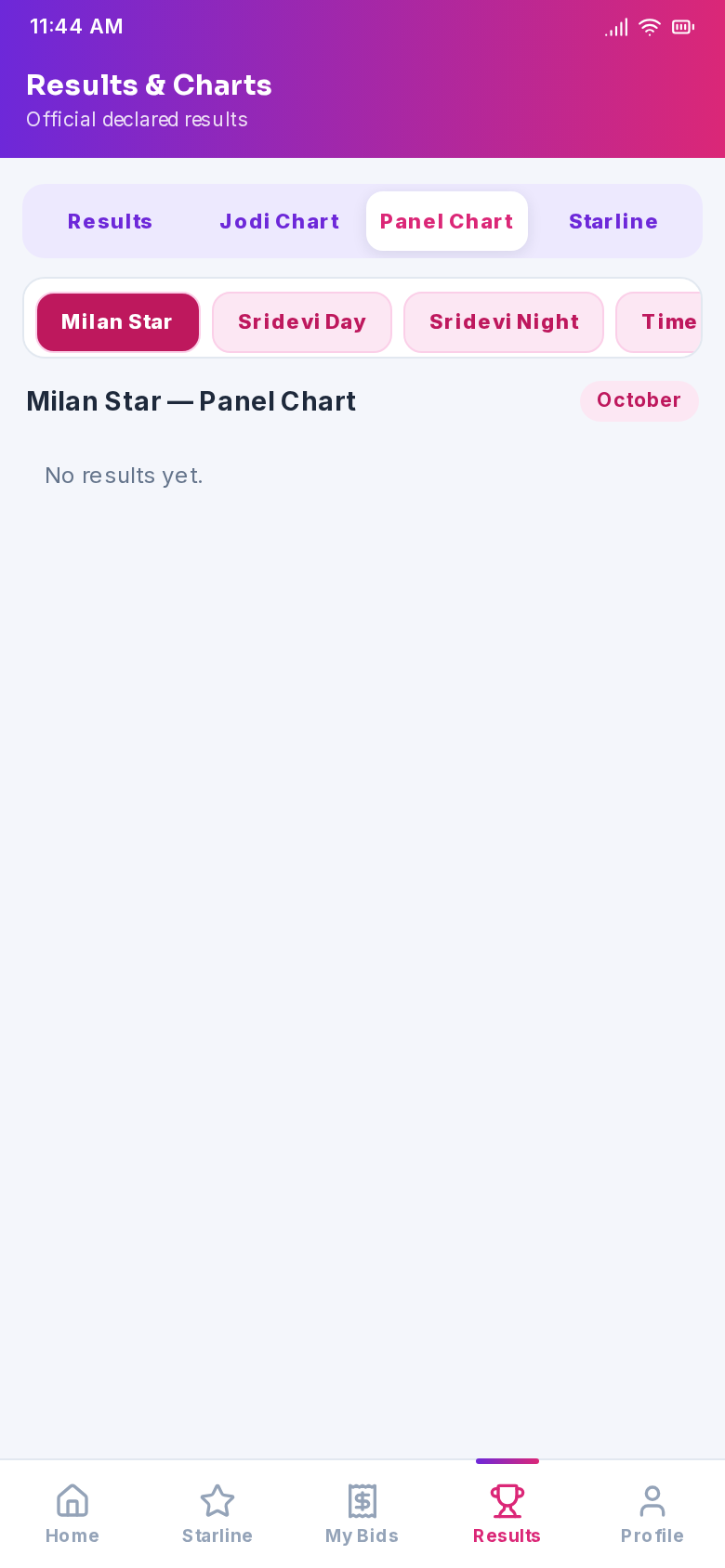
Open–close panel rows for the selected market.
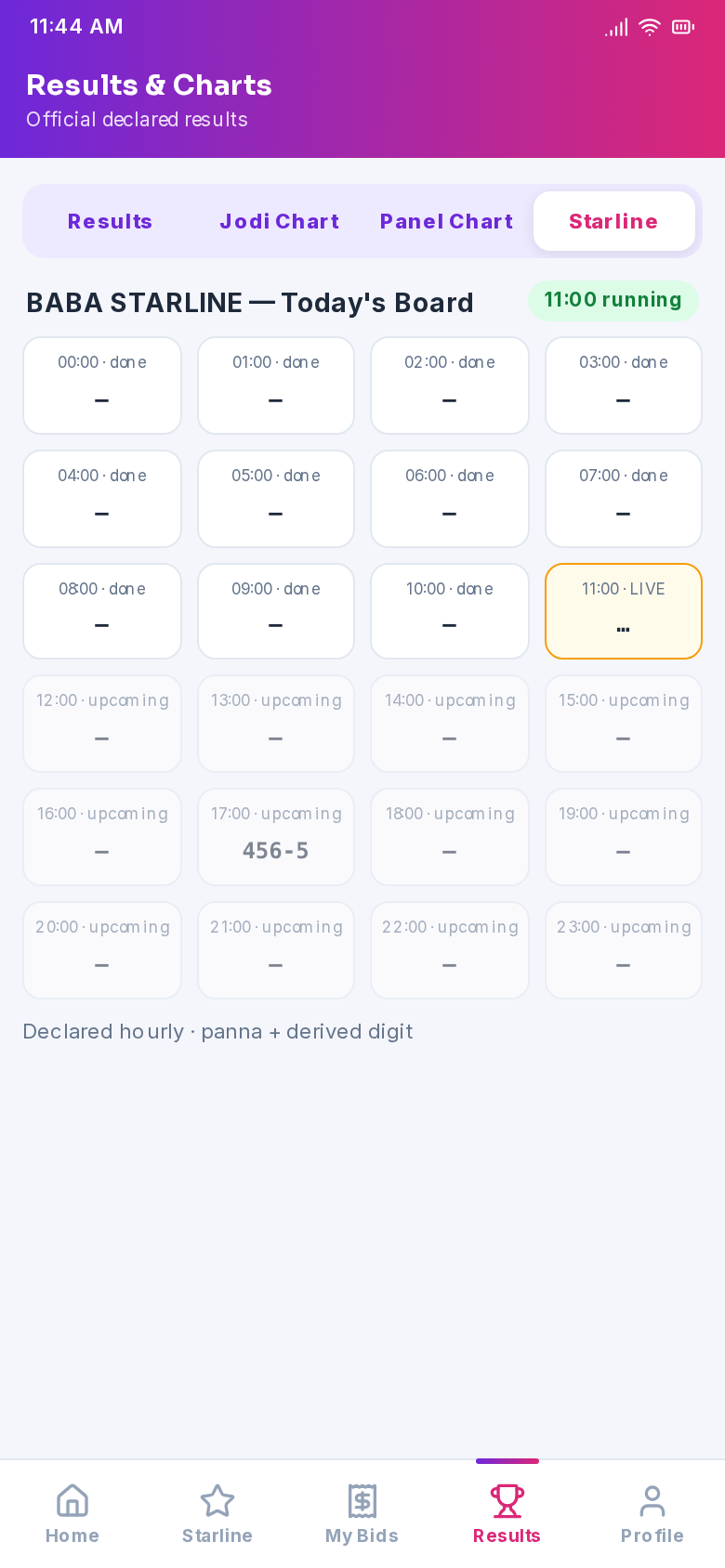
All 24 hourly games — declared hours highlighted live.
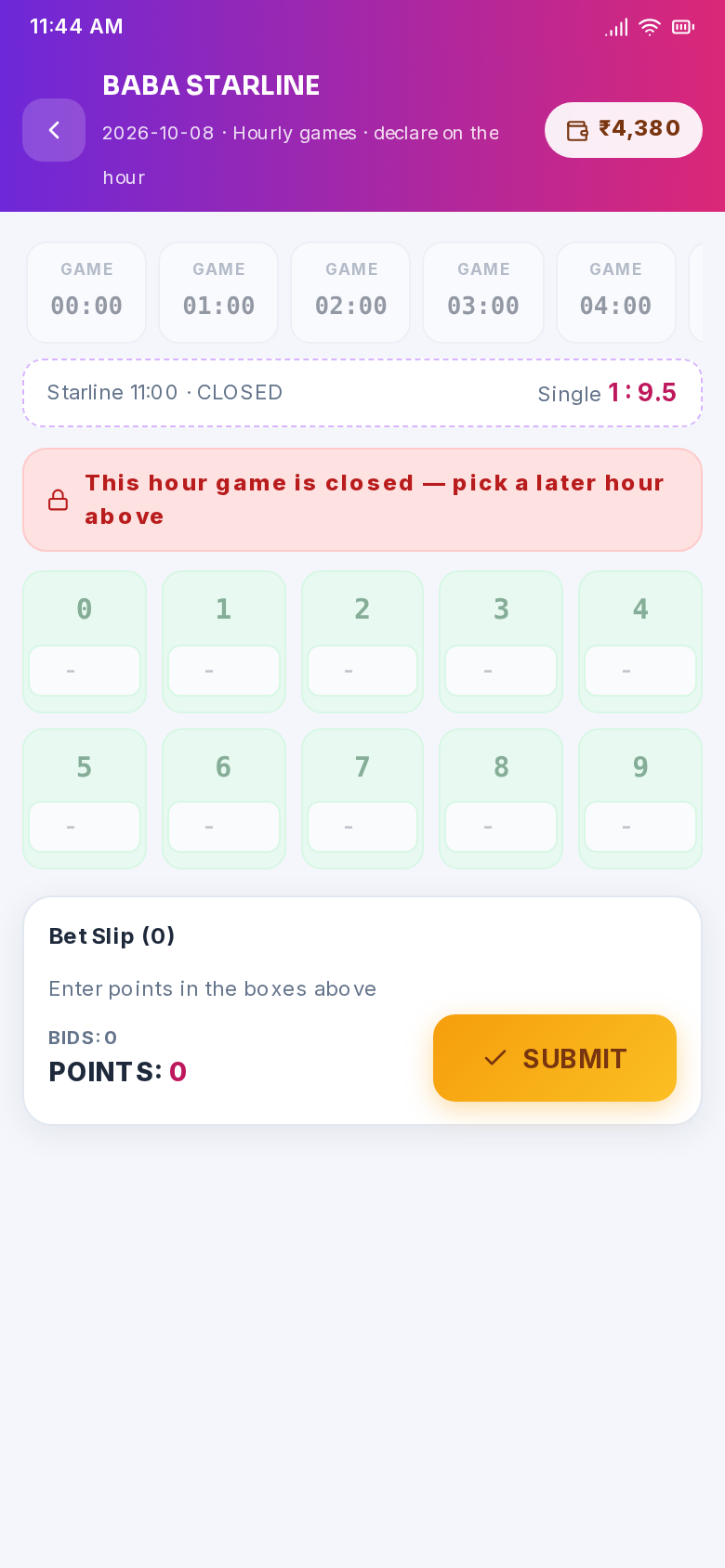
Bet on the running hourly game, single-digit grid with rates.
Wallet — Add Points, Withdraw & History
Your wallet is points: 1 point = ₹1. Add points by paying the business QR through any UPI app and submitting the UTR — the operator approves and your balance updates with a full audit trail. Withdrawals put the amount on hold until the operator pays it out, and every transaction (bids, wins, deposits, withdrawals) is listed with a running balance.
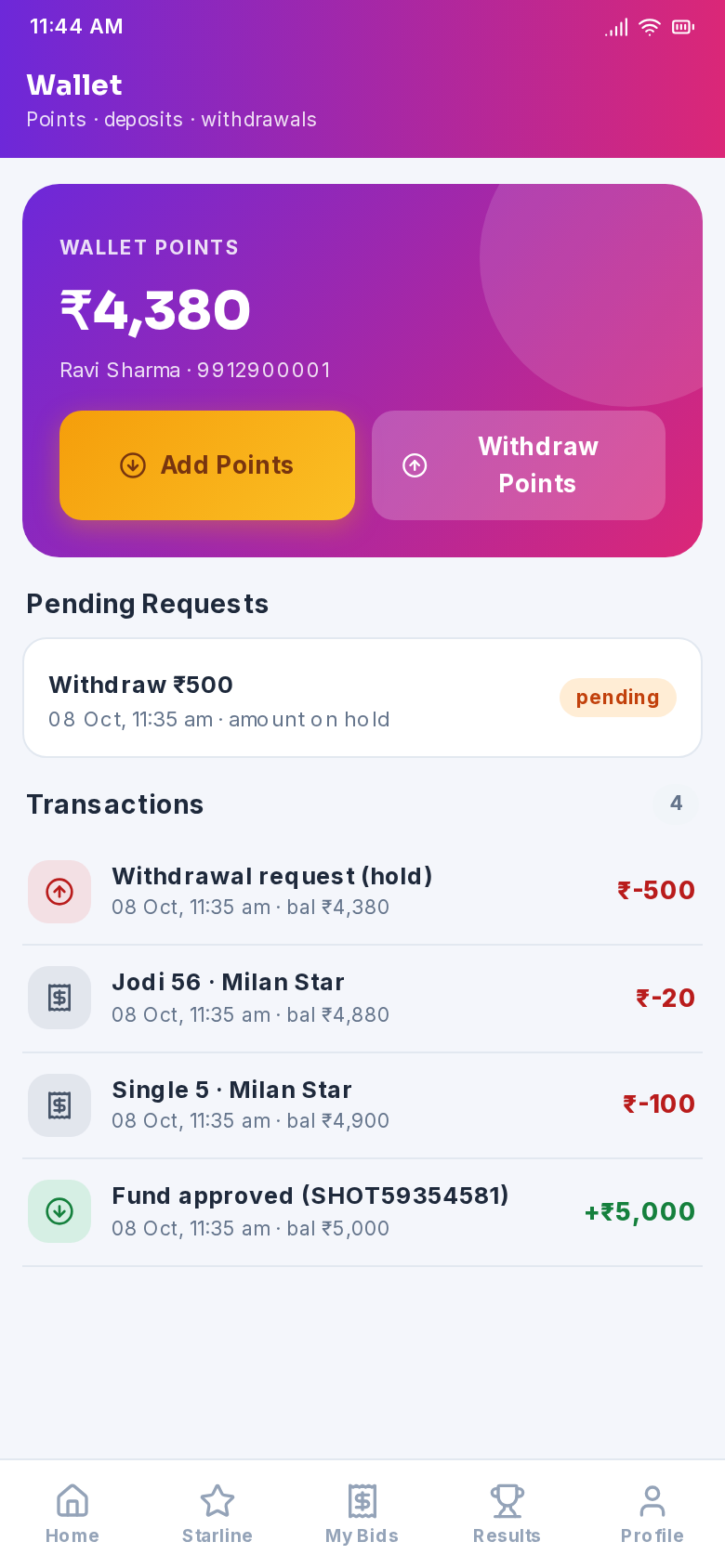
Balance, pending requests and the full transaction history.
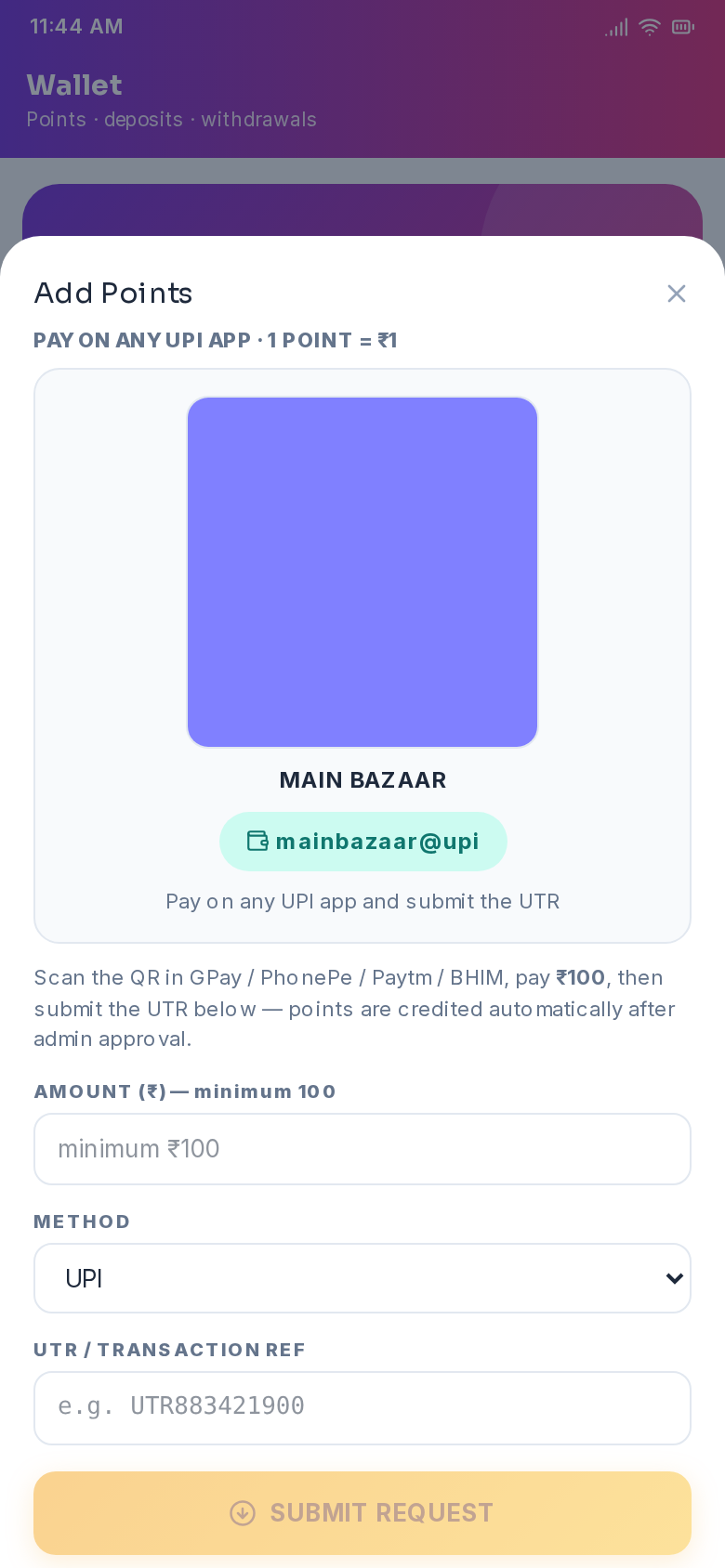
Scan the business QR, pay in any UPI app, submit amount + UTR.
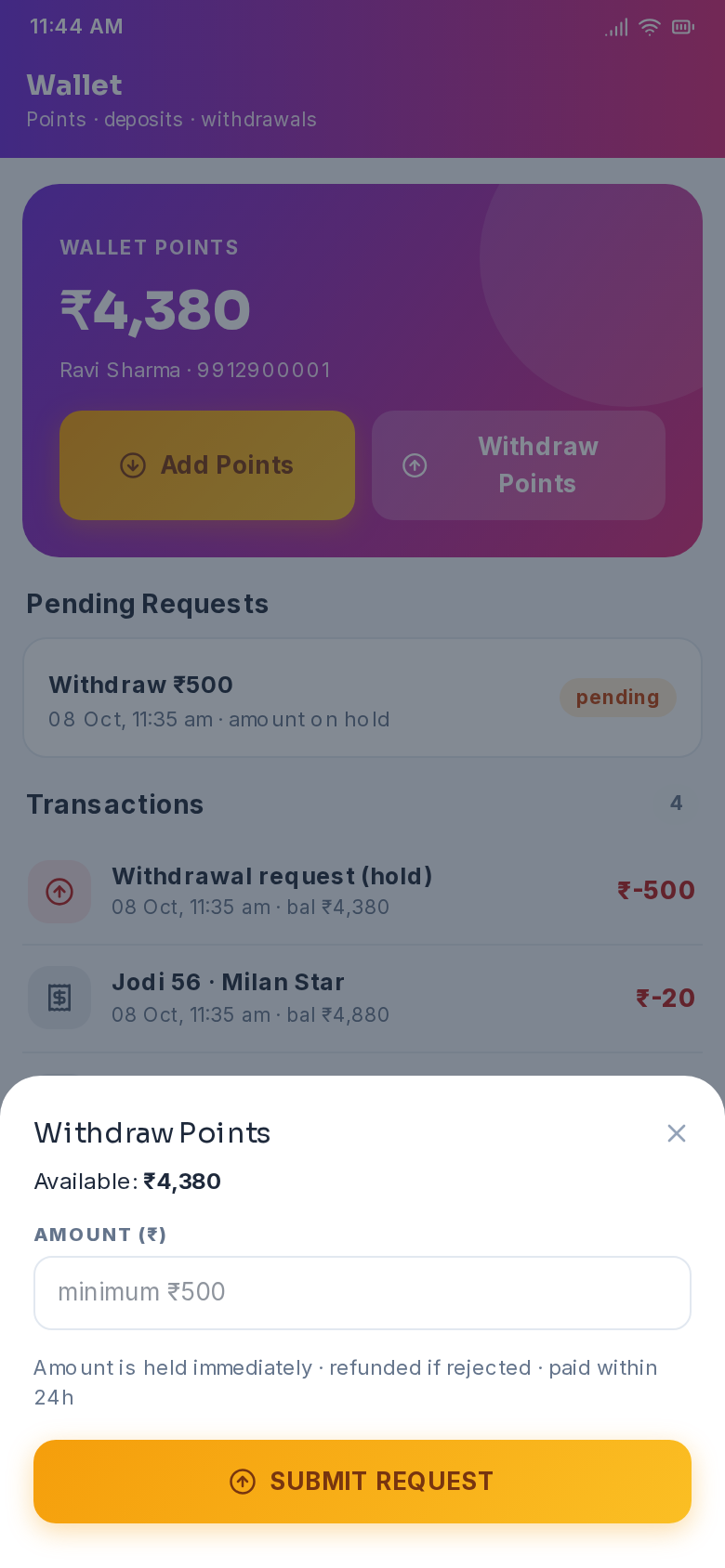
Request a payout — the amount is held until it is paid to you.
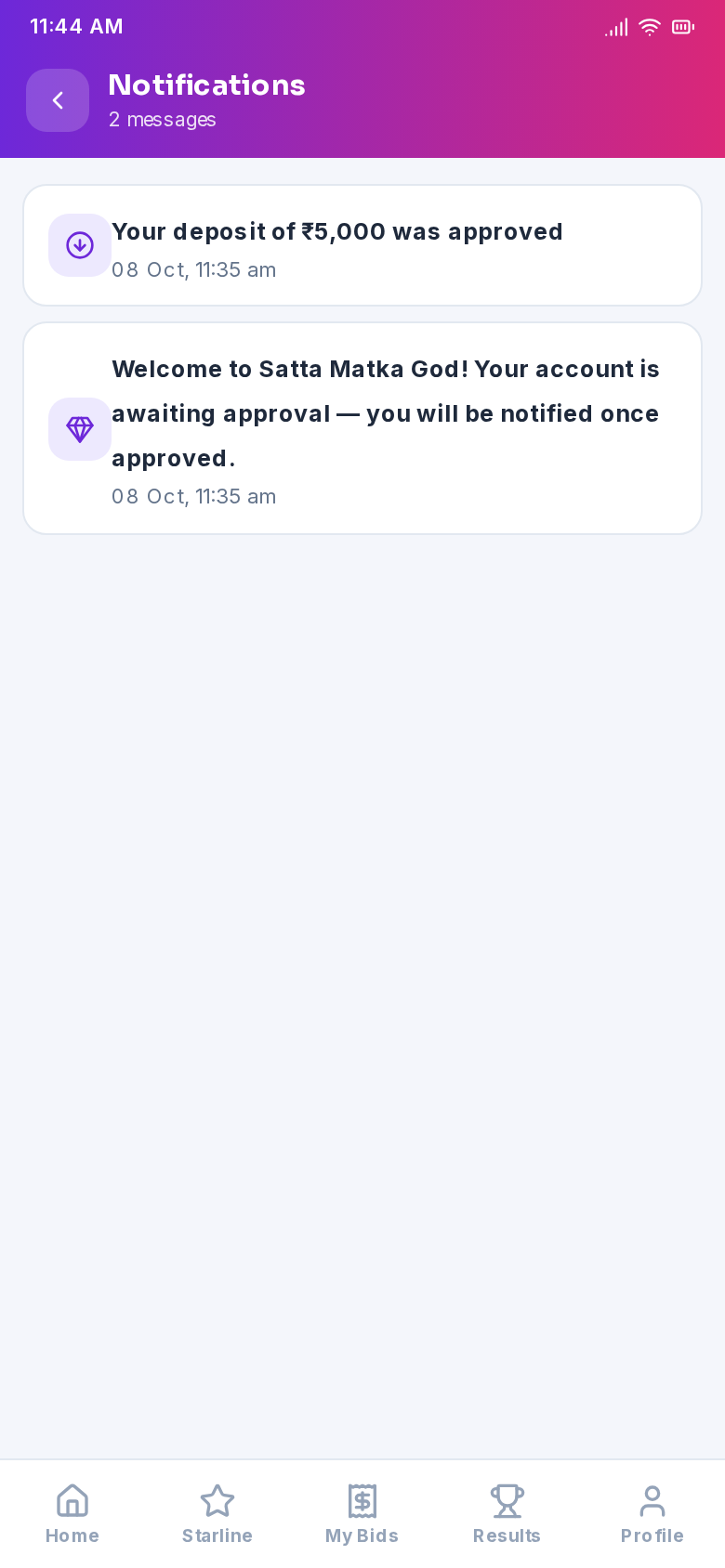
Approvals, payouts, wins and results — all in one place.
My Bids & Profile
My Bids keeps every bet you have placed with live status — pending bids settle automatically the second results are declared, so winners never have to ask. The profile screen shows your account status, lets you switch language, change your password and jump to any section of the app.
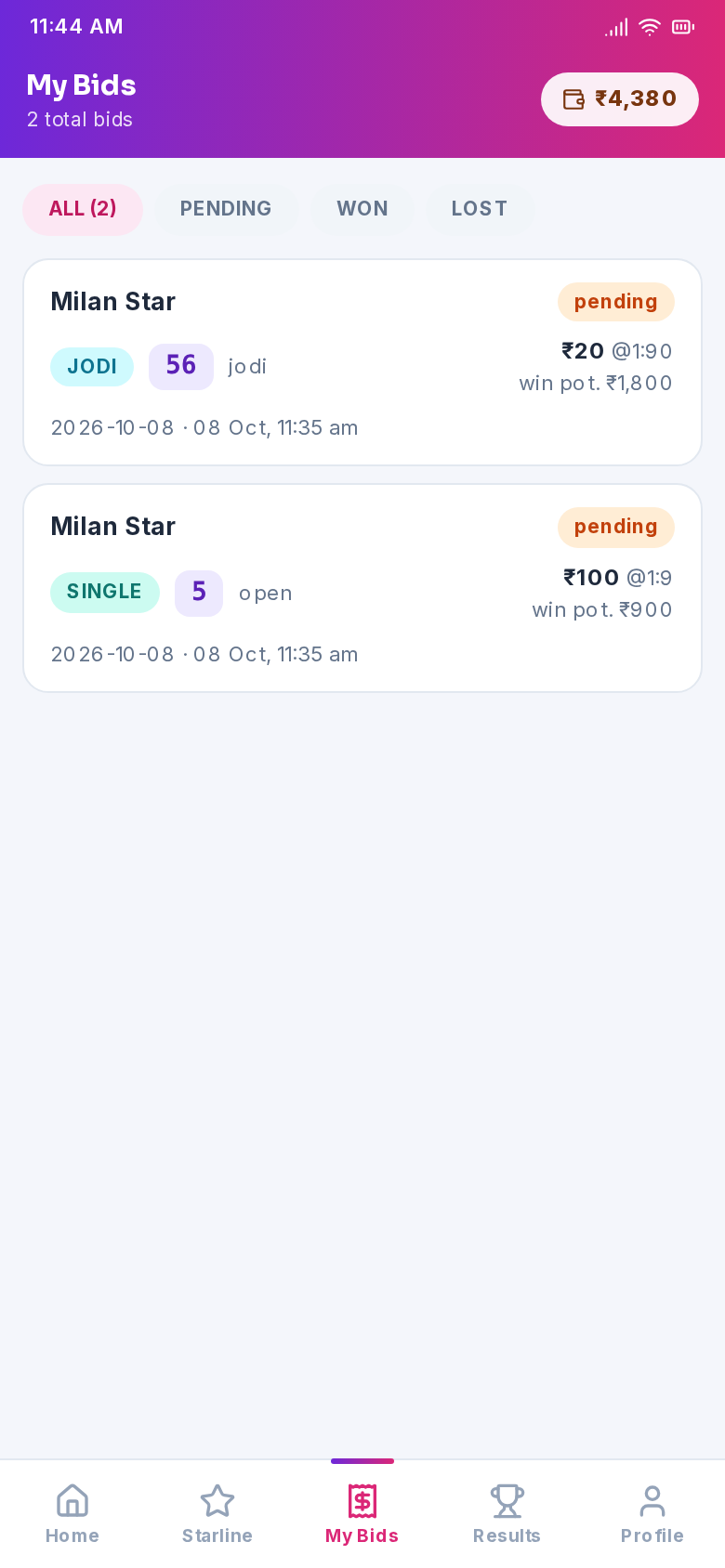
All / pending / won / lost filters with live settlement.
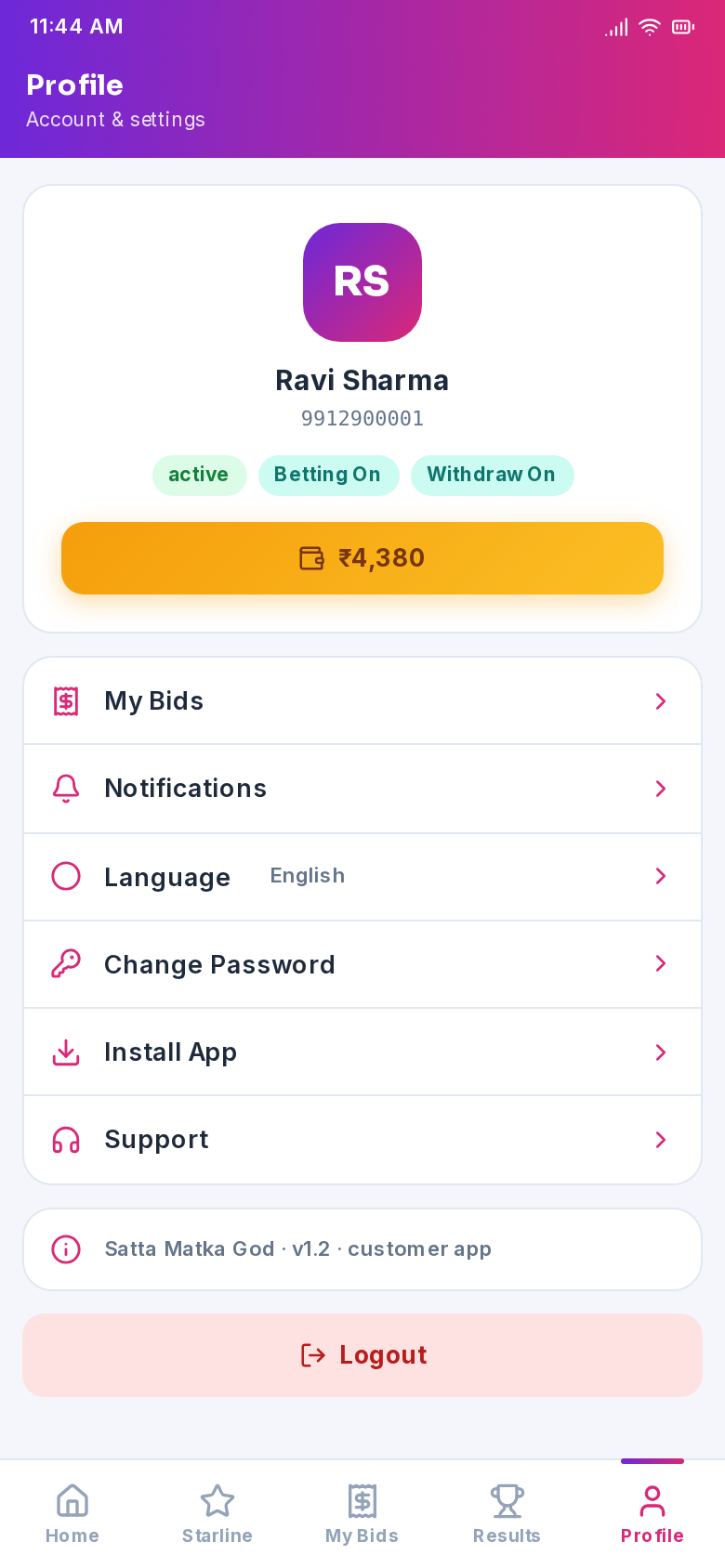
Account status, language switch, password change and quick links.
Installation Help
This is a direct APK, not a Play Store app. If Android warns about unknown sources, tap Install anyway — the app comes from your operator and connects only to the official server.
Download the latest APK above and install over it — your account, wallet and history stay intact. Nothing needs to be re-registered.
When the app asks for notification permission on first launch, tap Allow — that is how deposit approvals, withdrawals, wins and result declarations reach you instantly.